Extended Shortcodes Showcase: Admonition, Mermaid, ECharts, Mapbox, and Image Alignments
Welcome to the BashIt extended shortcodes showcase! All components have been adapted to preserve the retro-modern terminal WebTUI design language while providing full compatibility with extended Hugo shortcodes.
1. Admonitions (Terminal Callouts)
BashIt features 14 specialized terminal admonitions styled with Catppuccin Mocha colors, Symbols Nerd Font icons, ASCII double borders, and collapsible <details> interaction:
General Note
System Summary / Abstract
Informational Notice
Terminal Pro-Tip
@layer components.Build Succeeded
Frequently Asked Question
Warning: Line Endings
Deployment Failure
Destructive Operation
open=false). Click to expand!
Make sure you never run rm -rf / without verifying your active working directory.Bug Report #404
Usage Example
agy --help in any directory to inspect available CLI commands, subagents, and sidecar services.Unix Philosophy
Critical Requirement
[markup.goldmark.renderer] unsafe = true must be enabled in hugo.toml to permit custom WebTUI attributes.Caution: Rate Limits
View All 14 Admonition Shortcodes Syntax
{{< admonition type="note" title="General Note" >}}
Standard informational note rendered inside an ASCII terminal box.
{{< /admonition >}}

{{< admonition type="abstract" title="System Summary / Abstract" >}}
High-level overview of system telemetry, architectural state, and microservice topology across all edge regions.
{{< /admonition >}}

{{< admonition type="info" title="Informational Notice" >}}
Static assets are pre-compressed and fingerprinted via Hugo Pipes before CDN edge distribution.
{{< /admonition >}}

{{< admonition type="tip" title="Terminal Pro-Tip" >}}
You can customize accordion indicators and font fallbacks directly using WebTUI's `@layer components`.
{{< /admonition >}}

{{< admonition type="success" title="Build Succeeded" >}}
All 69 pages compiled in 62ms with 0 errors and 0 warnings.
{{< /admonition >}}

{{< admonition type="question" title="Frequently Asked Question" >}}
Does BashIt require external JavaScript frameworks? No, all core UI components run on pure CSS.
{{< /admonition >}}

{{< admonition type="warning" title="Warning: Line Endings" open=true >}}
Ensure line endings in shell scripts remain LF when checking in on Windows environments.
{{< /admonition >}}

{{< admonition type="failure" title="Deployment Failure" >}}
Failed to establish TCP handshake with remote origin server on port 443. Connection timed out.
{{< /admonition >}}

{{< admonition type="danger" title="Destructive Operation" open=false >}}
This callout starts collapsed by default (`open=false`). Click to expand!
Make sure you never run `rm -rf /` without verifying your active working directory.
{{< /admonition >}}

{{< admonition type="bug" title="Bug Report #404" >}}
Memory leak identified in legacy connection pool worker thread after socket timeouts.
{{< /admonition >}}

{{< admonition type="example" title="Usage Example" >}}
Run `agy --help` in any directory to inspect available CLI commands, subagents, and sidecar services.
{{< /admonition >}}

{{< admonition type="quote" title="Unix Philosophy" >}}
"Write programs that do one thing and do it well. Write programs to work together." — Doug McIlroy
{{< /admonition >}}

{{< admonition type="important" title="Critical Requirement" >}}
`[markup.goldmark.renderer] unsafe = true` must be enabled in `hugo.toml` to permit custom WebTUI attributes.
{{< /admonition >}}

{{< admonition type="caution" title="Caution: Rate Limits" >}}
Exceeding 100,000 daily requests will trigger Cloudflare Worker tier throttling on external API routes.
{{< /admonition >}}
2. Enhanced Image Shortcode (Left, Center, Right Alignment)
The new image shortcode provides alignment (left, center, right), caption styling with terminal metadata, and optional ASCII borders (box="square", box="round").
Center Aligned (with ASCII box border):

Left Aligned:
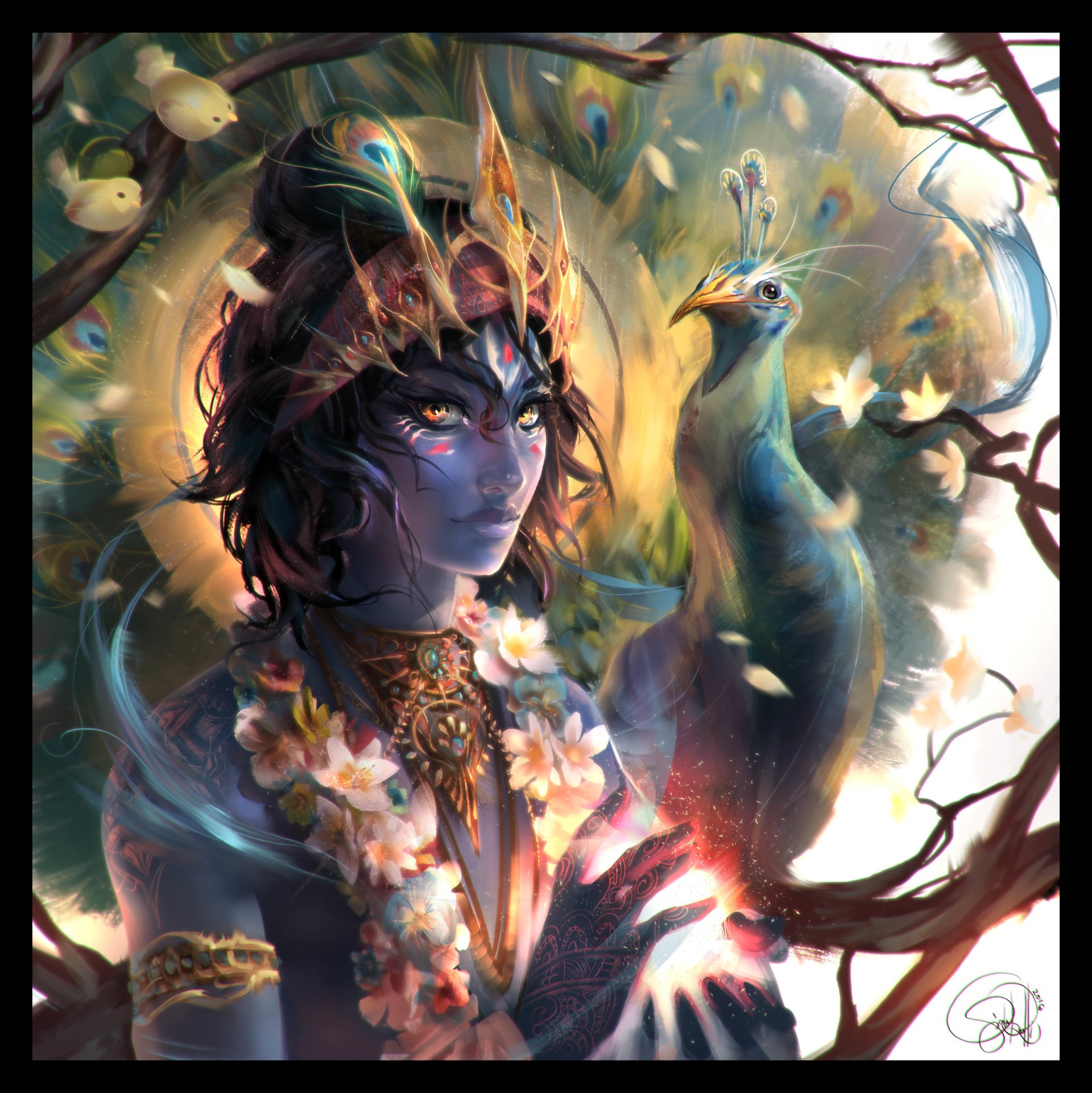
Right Aligned:

View Image Shortcode Syntax
<!-- Center aligned with square border -->
{{< image src="https://w.wallhaven.cc/full/nm/wallhaven-nm6318.jpg" alt="Buddha Wallpaper" caption="Center aligned Buddha image with square border" align="center" width="80px" box="square" >}}

<!-- Left aligned without border -->
{{< image src="https://w.wallhaven.cc/full/x1/wallhaven-x1elzo.jpg" alt="Left Image" caption="Left aligned Krishna image" align="left" width="200px" >}}

<!-- Right aligned without border -->
{{< image src="https://w.wallhaven.cc/full/ml/wallhaven-mlyq2k.jpg" alt="Right Image" caption="Right aligned Pandava image" align="right" width="200px" >}}
3. Interactive Terminal Tabs
Group related content or code snippets into clean terminal tabbed panels.
package main

import "fmt"

func main() {
    fmt.Println("Hello from WebTUI Go service!")
}
fn main() {
    println!("Hello from WebTUI Rust binary!");
}
const greet = (name: string): string => `Hello, ${name}!`;
console.log(greet("WebTUI"));
View Tabs Shortcode Syntax
{{< tabs defaultTab=0 >}}
{{< tab title="Go" >}}
```go
package main
import "fmt"
func main() { fmt.Println("Hello from WebTUI Go service!") }
```
{{< /tab >}}
{{< tab title="Rust" >}}
```rust
fn main() { println!("Hello from WebTUI Rust binary!"); }
```
{{< /tab >}}
{{< tab title="TypeScript" >}}
```typescript
const greet = (name: string): string => `Hello, ${name}!`;
console.log(greet("WebTUI"));
```
{{< /tab >}}
{{< /tabs >}}
4. Mermaid Diagrams
Mermaid diagrams are automatically rendered in a terminal container with a dark Catppuccin theme:
graph TD
    Client[Web Browser] -->|HTTP / WebTUI| Gateway[API Gateway]
    Gateway --> Auth[Auth Service]
    Gateway --> Content[Hugo Static Engine]
    Gateway --> DB[(PostgreSQL Cache)]
View Mermaid Shortcode Syntax
{{< mermaid title="Microservice Architecture" >}}
graph TD
    Client[Web Browser] -->|HTTP / WebTUI| Gateway[API Gateway]
    Gateway --> Auth[Auth Service]
    Gateway --> Content[Hugo Static Engine]
    Gateway --> DB[(PostgreSQL Cache)]
{{< /mermaid >}}
5. ECharts Data Visualizations
Interactive charts rendered dynamically with Apache ECharts:
View ECharts Shortcode Syntax
{{< echarts width="100%" height="320px" title="Weekly Build Performance (ms)" >}}
{
  "tooltip": { "trigger": "axis" },
  "xAxis": {
    "type": "category",
    "data": ["Mon", "Tue", "Wed", "Thu", "Fri", "Sat", "Sun"],
    "axisLine": { "lineStyle": { "color": "#a6adc8" } }
  },
  "yAxis": {
    "type": "value",
    "axisLine": { "lineStyle": { "color": "#a6adc8" } }
  },
  "series": [
    {
      "name": "Build Time (ms)",
      "type": "bar",
      "data": [45, 42, 39, 41, 40, 38, 35],
      "itemStyle": { "color": "#89b4fa" }
    }
  ]
}
{{< /echarts >}}
6. Mapbox & Dark Geo Maps
Interactive maps rendered in dark terminal styling:
View Mapbox Shortcode Syntax
{{< mapbox lat="37.7749" lng="-122.4194" zoom="11" title="San Francisco Terminal Node" height="280px" >}}
7. TypeIt Typewriter Effect
A classic terminal typewriter effect with customizable typing speed and cursor:
View TypeIt Shortcode Syntax
{{< typeit speed="45" cursor="█" prompt="guest@bashit:~$ " title="terminal session" >}}
git checkout -b feature/webtui-tui-components && agy deploy
{{< /typeit >}}
8. LaTeX Math Formulas (KaTeX)
Render mathematical formulas with dark theme math styling:
View Math Shortcode Syntax
{{< math title="Fourier Transform" >}}
\hat{f}(\xi) = \int_{-\infty}^\infty f(x)\,e^{-2\pi i x \xi}\,dx
{{< /math >}}
9. Showcase & Friend Cards
WebTUI CSS Framework
Modular CSS Library that brings the beauty of Terminal UIs to the browser.
View Showcase & Friend Shortcode Syntax
{{< showcase title="WebTUI CSS Framework" summary="Modular CSS Library that brings the beauty of Terminal UIs to the browser." link="https://webtui.ironclad.sh" >}}

{{< friend name="Debajyati Dey" title="Fullstack Developer & TUI Enthusiast" url="https://github.com" >}}
10. Styled Text & Audio Player
[OK] All shortcodes initialized successfully.[ View Style & Audio Shortcode Syntax
{{< style "color: var(--green); font-weight: bold;" >}}[OK] All shortcodes initialized successfully.[{{< /style >}}

{{< audio src="/audio/sample.mp3" title="Retro Terminal Chiptune" artist="8-Bit Synthesizer" >}}